E-mail
E-mail
presents one of the most important services for someone to connect to the Internet. It
enables us data sharing with every other Internet user. Data can be of any digital form
(text, pictures, audio or video files, and any binary files – software, databases
....). E-mail transforms the term of ordinary mail into "snail mail" because
e-mail reaches the addressee in matter of minutes where ever he/she is.
For sending
e-mail we need two e-mail addresses one is ours and the other is e-mail of the addressee.
In some cases we can fake our e-mail address but we cannot accept replays from the
addressee.
E-mail
address consists of two parts devided by sign @. First part is person, second part is
universal computer name or domain where person has internet e-mail account.
Example of
the e-mail address: uros.zabukovsek@uni-mb.si
Domain name
is divided by dots. The most right part of a domain is code of the country (.si).
Right of the sign @ we have computer name + domain where in some cases computer name can
be ommited. In our example computer name is ommited soo the right of sign @ is only a
domain (uni-mb.si). Some addresses has no country codes (.com, .edu,
.mil, .net, .org ...)
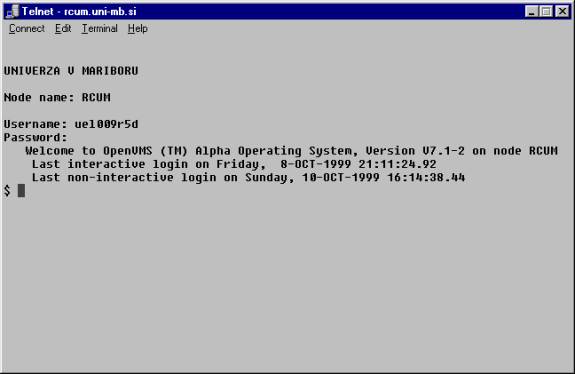
Figure 1: we establish connection with
the distance computer
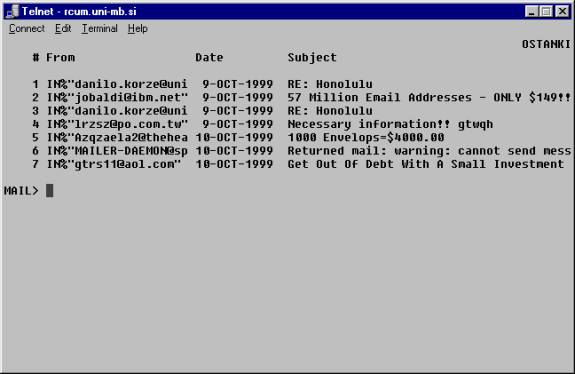
Figure 2: we entered the e-mail
software on distance computer
2.)
E-MAIL CLIENT
We can use
any e-mail client currently available on the market. We need to know some informations for
setup the client. This informations are:
- my e-mail address
- my e-mail account computer
- my e-mail account username
- my e-mail account password
- my SMTP server (SMTP = simple mail
transfer protocol)
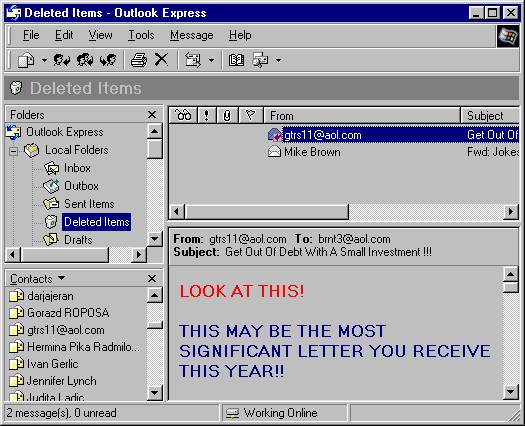
Figure 3: Microsoft Outlook Express
– e-mail client
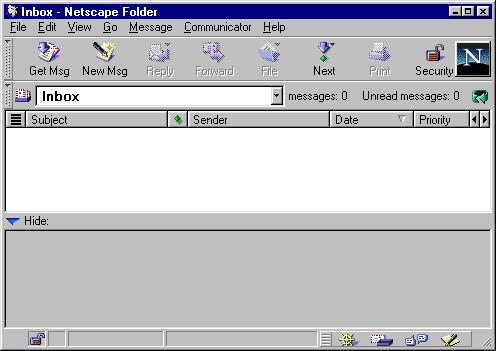
Figure 4: Netscape e-mail client
3.) WEB BROWSER
Today many companies in the world offers free e-mail service. Everyone can get its' own e-mail address as long as he/she agrees with the policy of the company. Reading and sending of e-mails are often done out of the web browser (see figure 5).
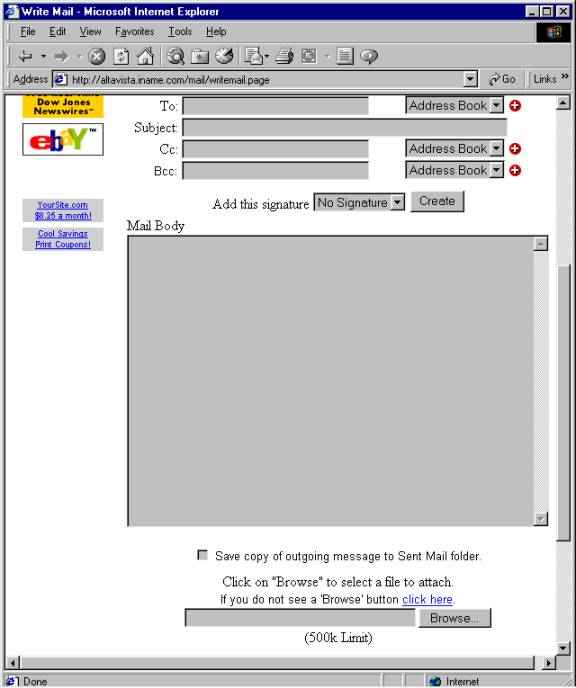
Figure 5: Sending e-mail using the web browser

